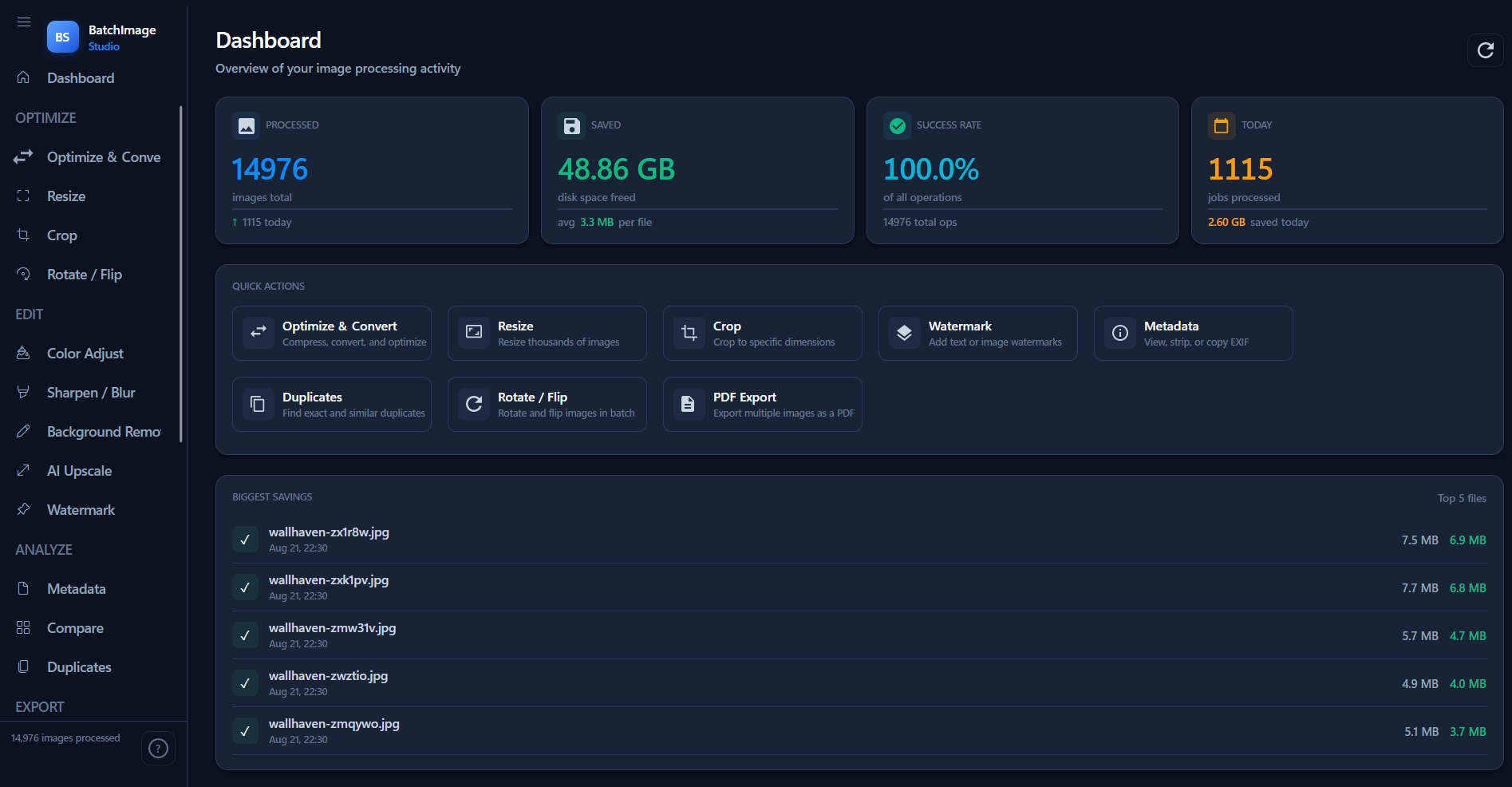
BatchImage Studio. One-time payment of $29 for lifetime access. Batch-process hundreds of images locally with full privacy, blazing speed, and zero cloud uploads.
Windows SmartScreen warning? This happens because we're an independent developer. Click "More info", then "Run anyway" to launch the secure offline app.
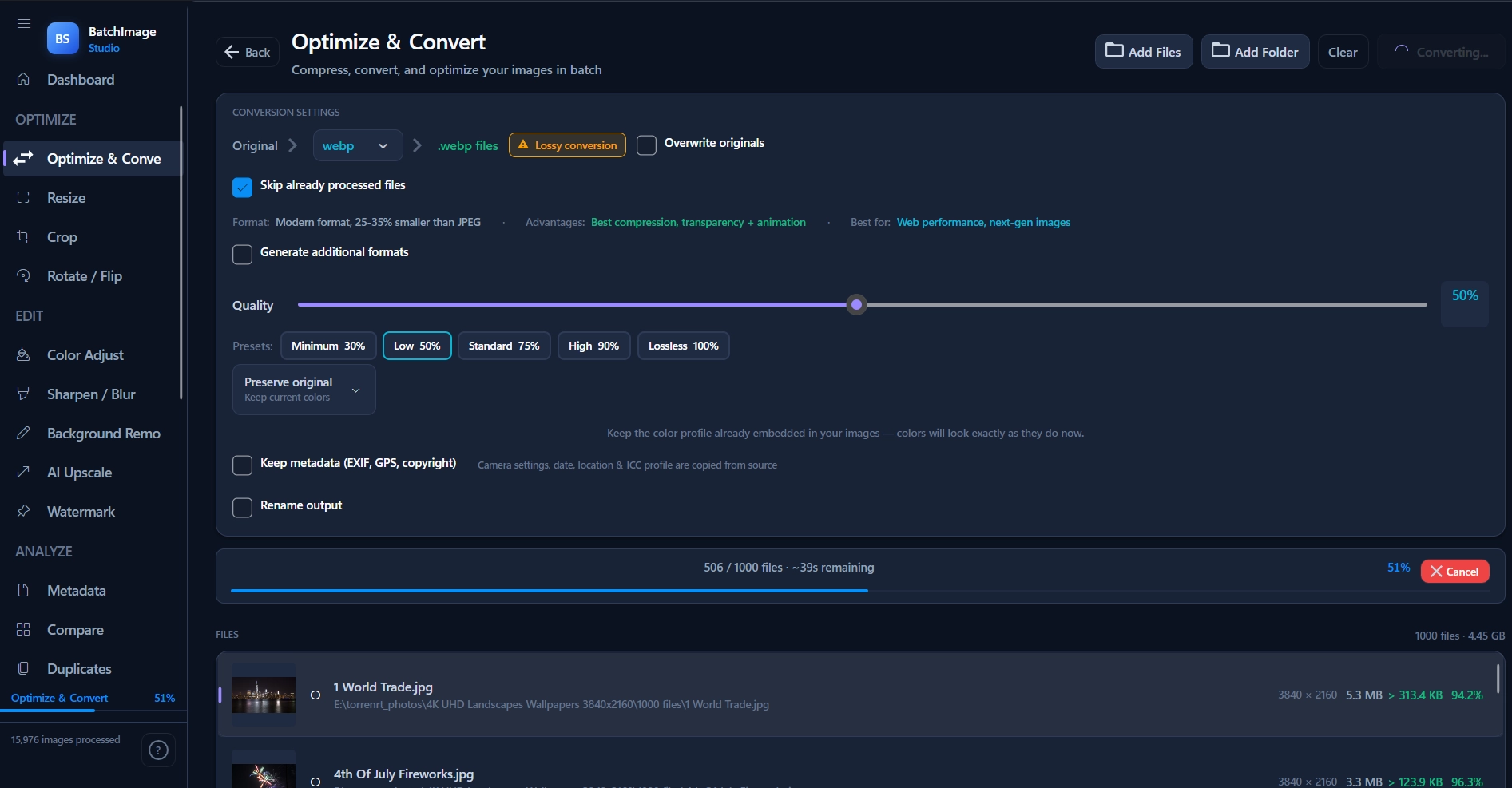
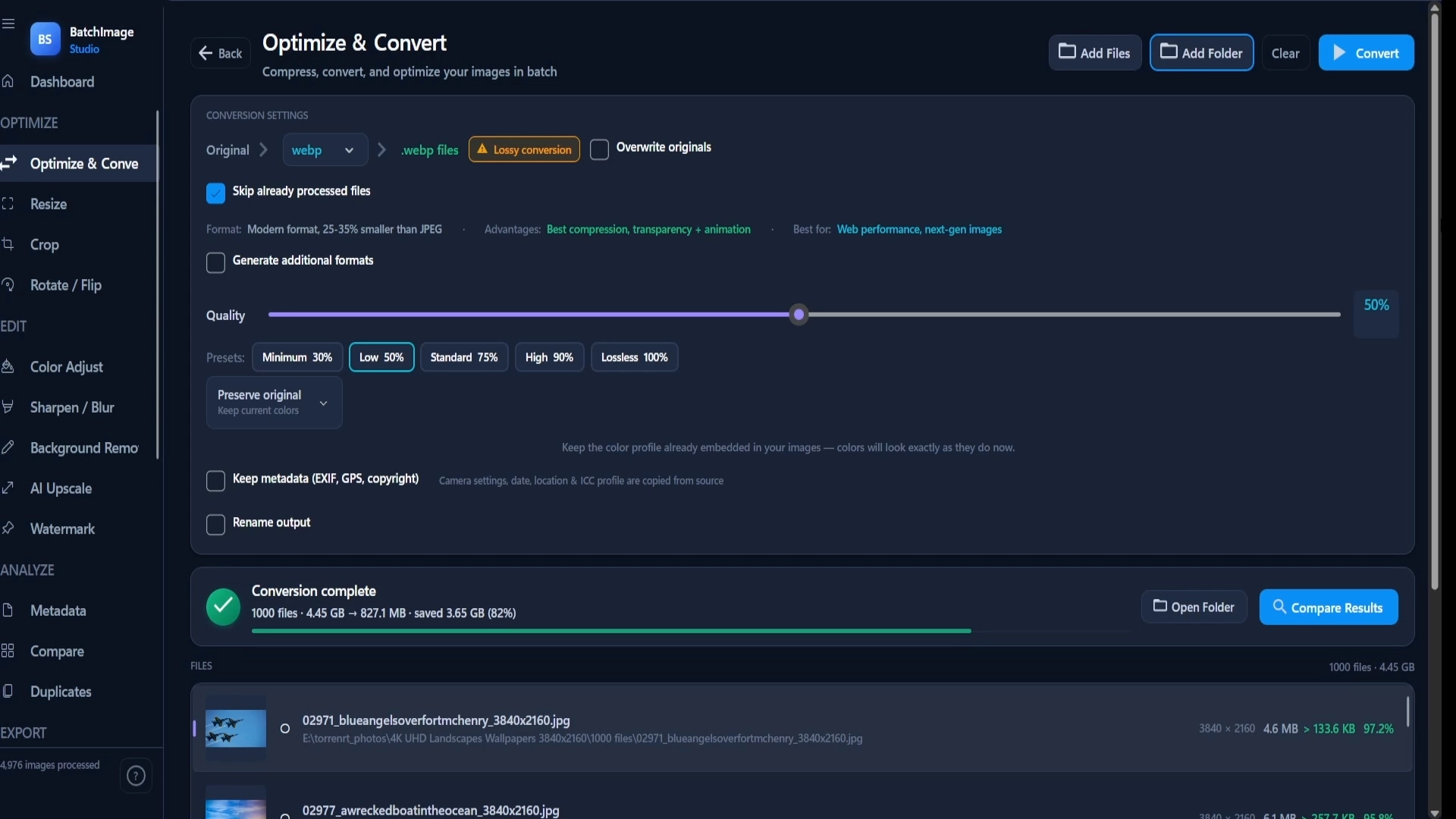
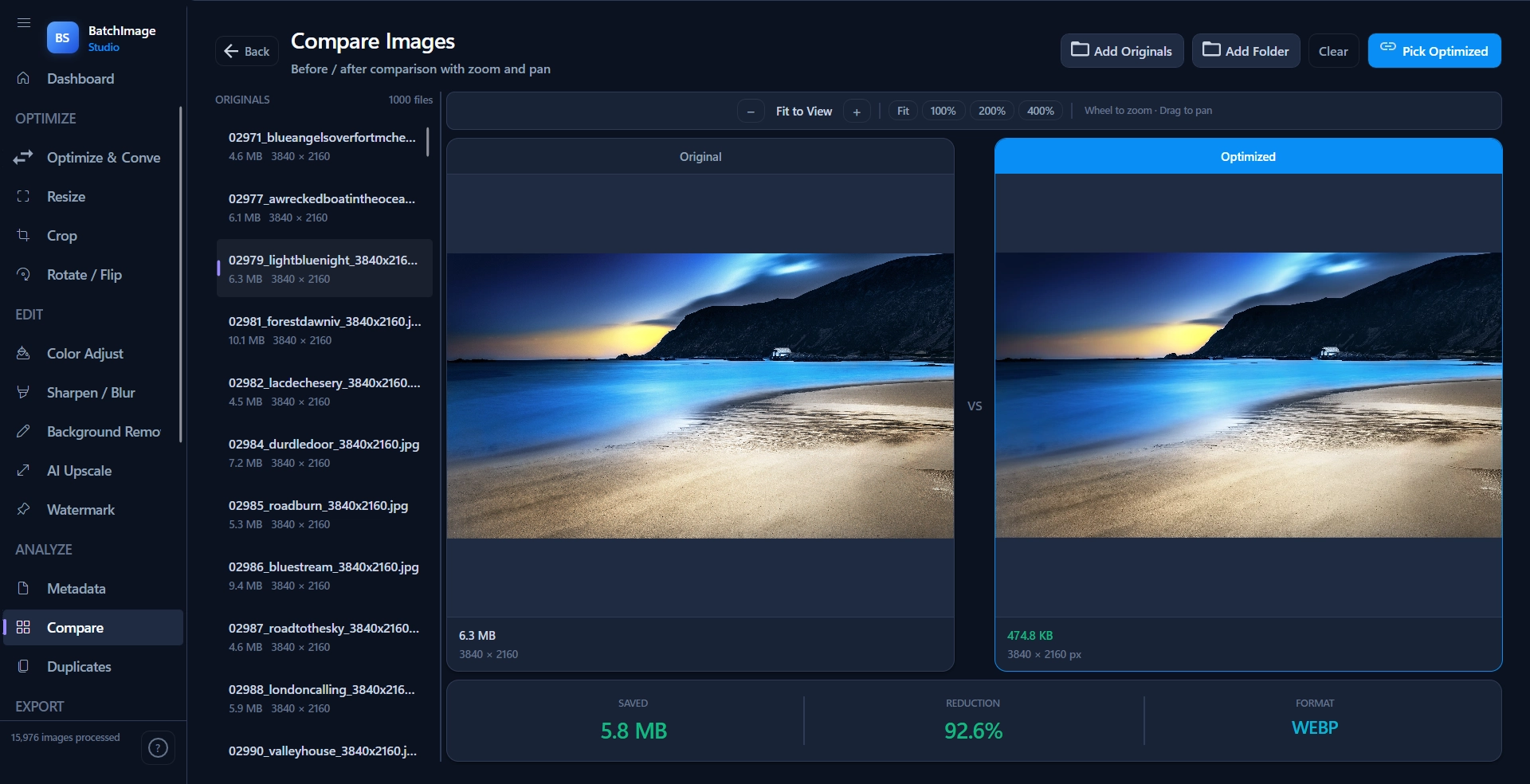
In a real benchmark, 1,000 4K images (4.45 GB) were reduced to 827 MB in 1 minute 20 seconds. The files stayed on the PC throughout the run.
Hundreds of files in seconds, locally, no cloud. For Shopify sellers, content creators, and anyone tired of cloud upload delays and subscription fees.
Multi-threaded C# engine taps your PC's full power. No cloud queues, no file size limits. Local processing means speed you can't get online.
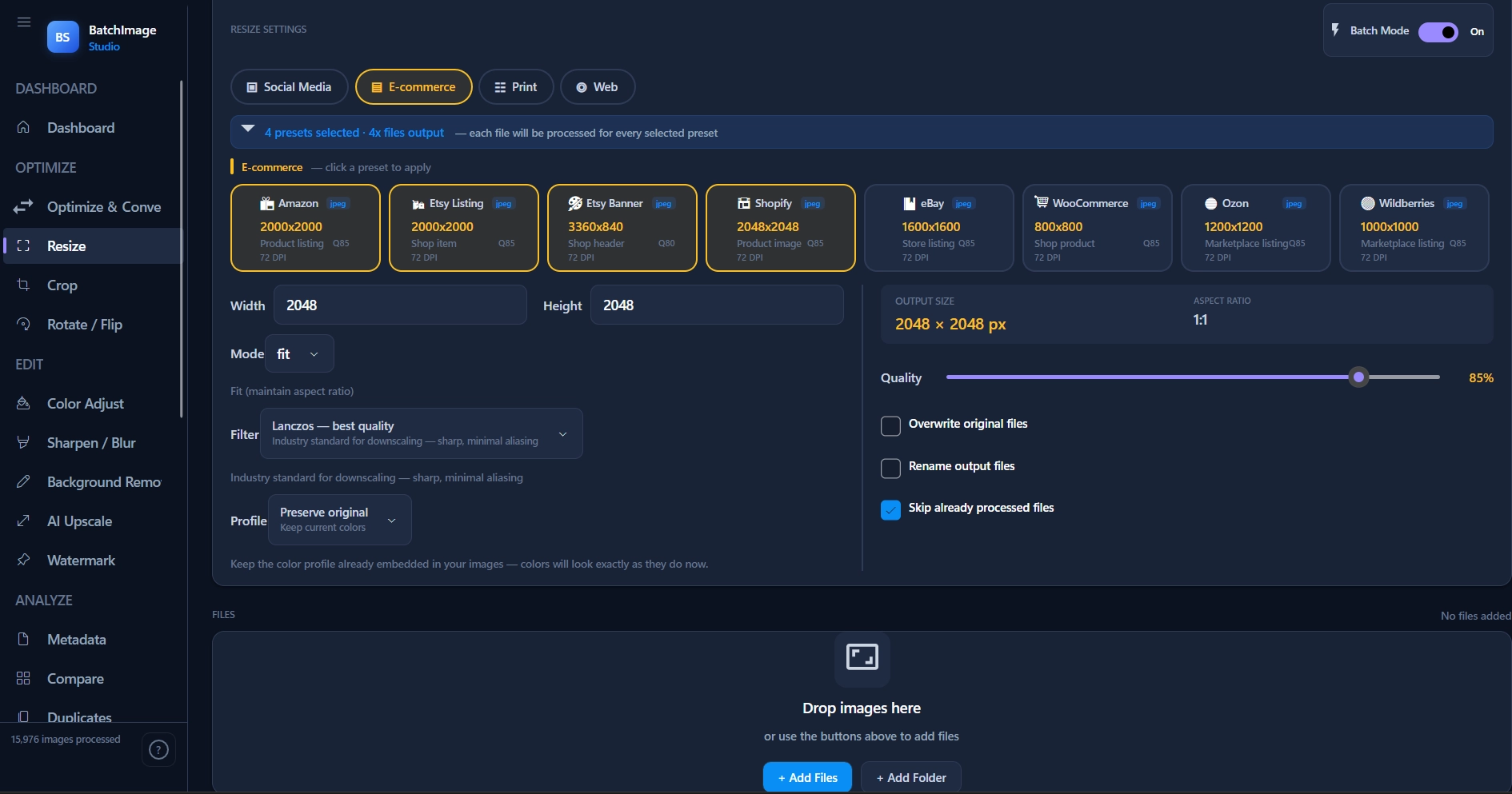
WebP, PNG, JPG, AVIF, TIFF, GIF. Pre-configured presets for e-commerce, social media, and print. Set quality once, process the entire folder.
No file-by-file clicking. Pick source folder, set parameters once, let the app handle 500+ images at once. Saves hours of manual work.
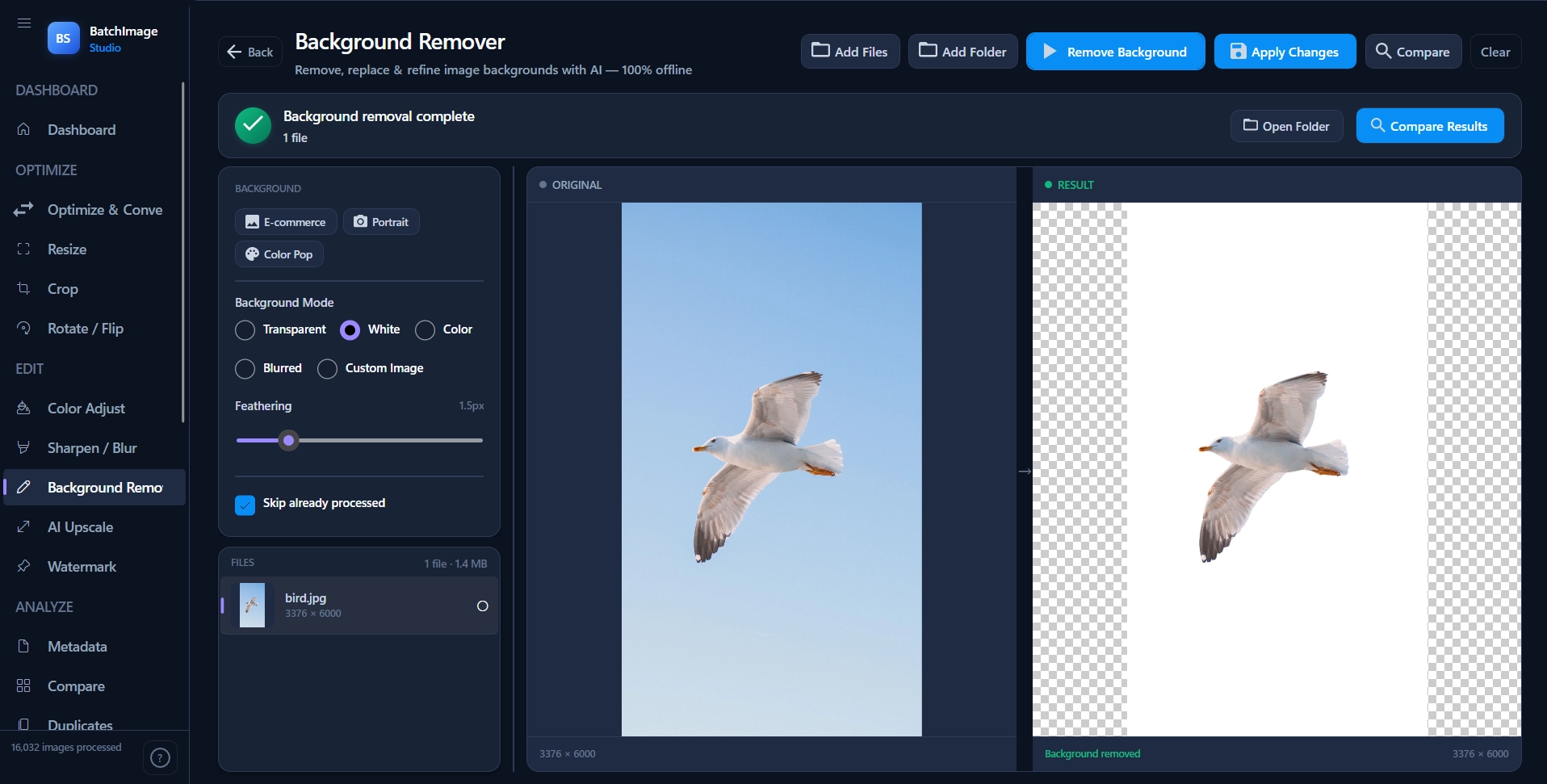
The built-in AI background remover runs on your device and can isolate subjects for transparent, white, custom-color or blurred backgrounds. No cloud upload or per-image processing fee.
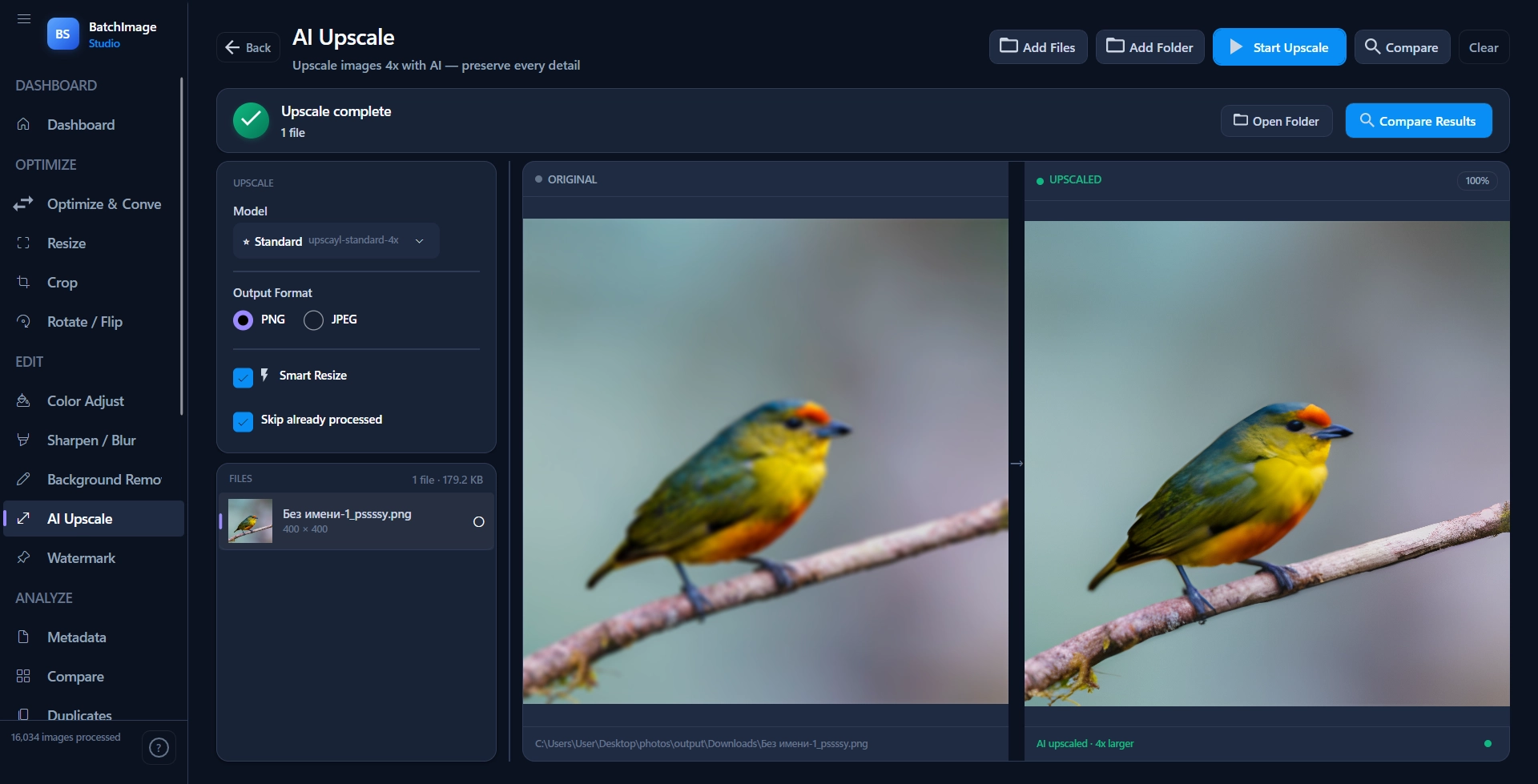
Use the built-in AI upscaler to enlarge product photos, screenshots and other low-resolution assets without sending them to a cloud API. Processing stays on your PC.
Reduce large image libraries while keeping the output suitable for web, e-commerce and everyday production workflows.
Cloud tools can be convenient, but batch processing often means uploads, waiting, file-size limits or recurring fees. Local processing keeps the workflow on your machine.
Hi, I’m Orkhan. I build focused desktop software for people who want privacy, speed, and practical tools without unnecessary cloud services. I built BatchImage Studio because many image tools push users toward subscriptions and cloud uploads. For large or sensitive image libraries, I wanted a faster, simpler local workflow.
BatchImage Studio runs locally on your Windows PC and uses your hardware for batch processing. No cloud upload is required for the core workflow, and there is no recurring subscription. Thanks for supporting independent software.
Pay once and keep using the app locally. No monthly plan, no cloud-processing fees.
For creators, Shopify sellers, photographers, and anyone processing hundreds of files locally. No monthly fees, ever.